Marabytes
File Share
Fast, private, local-network file transfer between Windows and Linux devices. No cloud. No accounts. No size limits. Just drop and send.
Detected: Windows — Runs on Windows 10 and Windows 11 (64-bit)
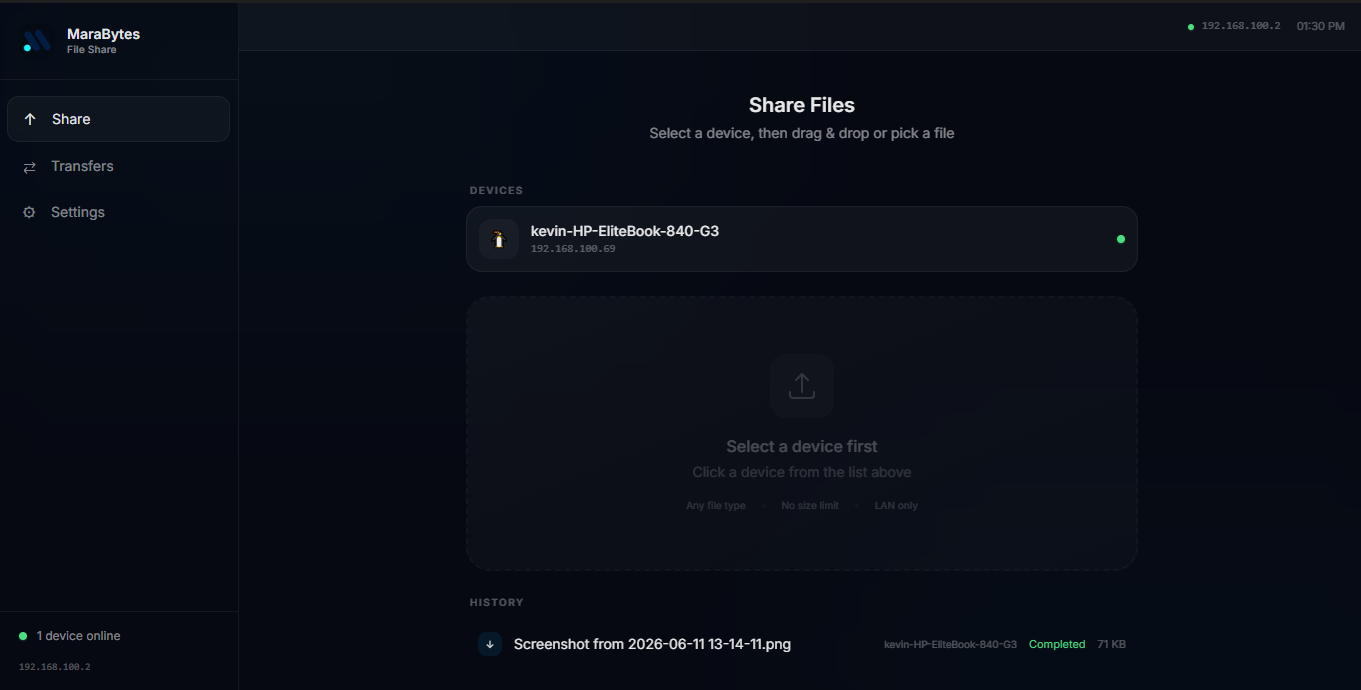
Built for real work
No bloat, no subscriptions. Just fast local transfers that respect your privacy.
Local network transfer
Transfer files between devices on the same WiFi network at full local speeds — no internet upload required.
No size limits
Send files of any size. Videos, project folders, disk images — no cloud middleman slowing you down.
Stays on your network
Files never leave your local network. No accounts, no servers, no third-party access to your data.
Cross-platform
Windows to Linux, Linux to Windows — any combination works as long as devices are on the same network.
Up and running in 4 steps
Install on both devices
Download and install Marabytes File Share on the sending and receiving device.
Connect to the same WiFi
Both devices need to be on the same local network — home WiFi, office network, or hotspot.
Select and share
Open the app, choose files to send, and the app discovers the other device automatically.
Receive instantly
The receiving device accepts the transfer and files are saved to the destination folder.
All platforms
Current release: v1.0.3
Need a custom internal tool?
We build bespoke file management, automation, and internal tooling for businesses.